



Control DCX2496 remotely via WiFi
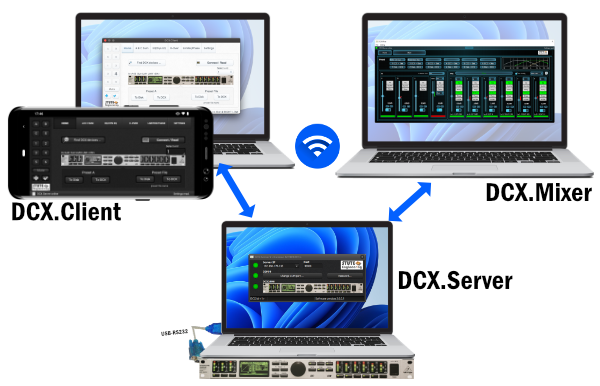
How to control?
- Via WLAN: DCX.Server and DCX.Client / DCX.Mixer are on different devices.
- Direct RS232: DCX.Server and DCX.Client / DCX.Mixer are installed on one PC.
What is required?
- PC/laptop with DCX.server app, connection to the DCX2496 via USB-RS232
- App DCX.Client or DCX.Mixer for control on laptop, tablet or cell phone
Multi Platform
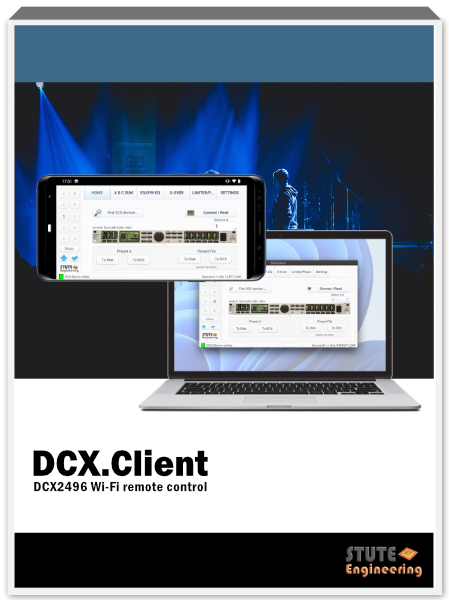
DCX.Client for iOS, Android, macOS or MS-Windows.
Features
- Preset bank: Save and transfer DCX2496 configurations for specific event locations
- Transfer configuration to other devices
- Controls via RS485 cascaded DCX2496 (max 16)
- Parallel transfer of changes into device group
- Control X-Over, EQ, DEQ, Delay, Level, Limiter, Phase,...
- Quick Mute/Un-mute
Try for free
Download DCX.Server & DCX.Client and check your DCX2496 device + USB-RS232 interface on a PC (MS-Win or MacOS).
App DCX.Mixer
Control and configure your DCX2496 devices professionally. All channels quickly accessible and the status of the DSP function blocks always in view. Free DEMO. Note: DCX.Server needed.
Design Dark
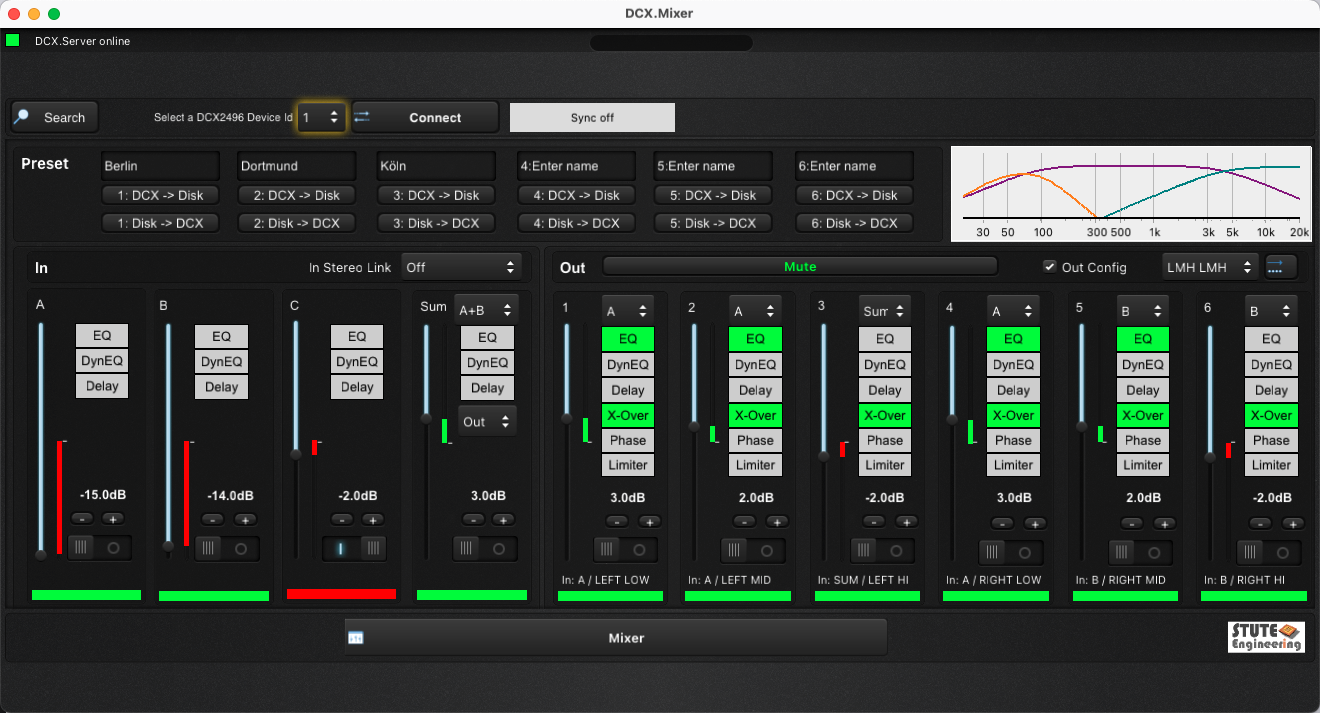
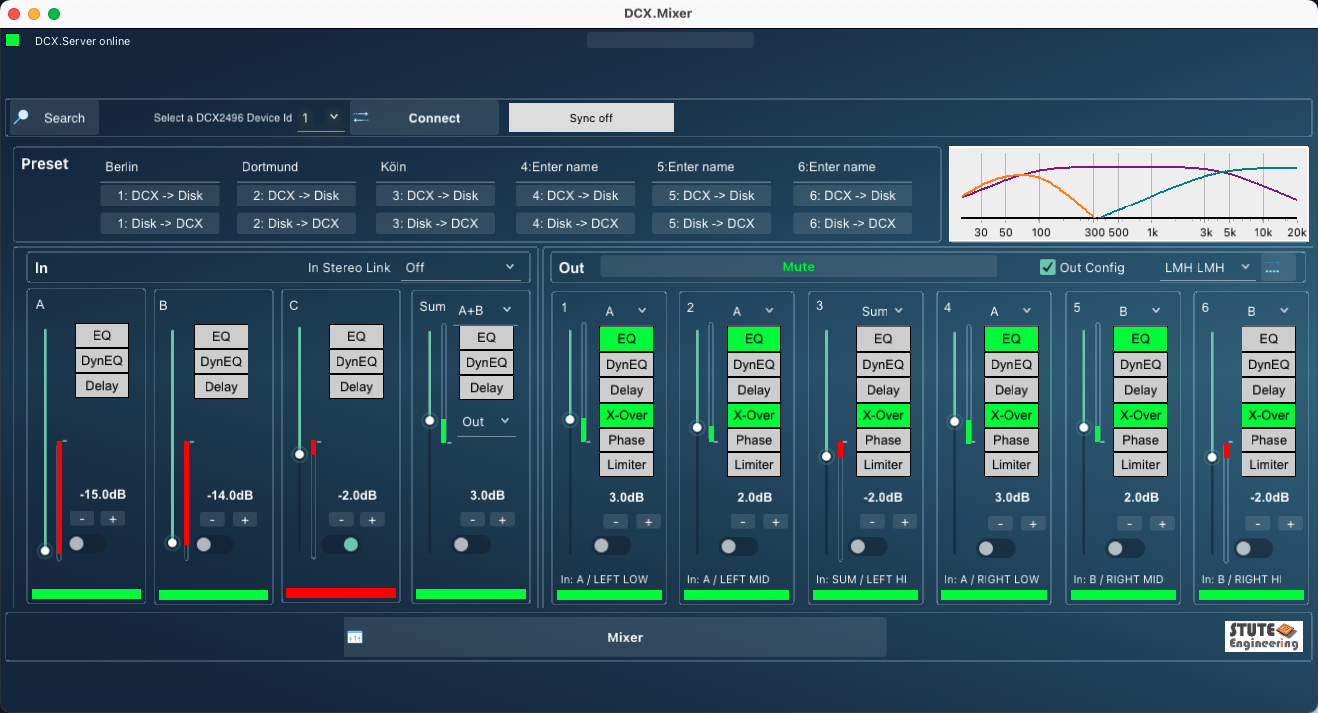
Design Blue
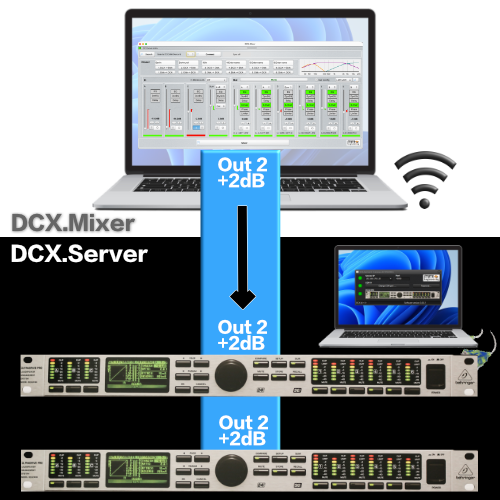
Transfer changes simultaneously to several DCX2496
Whether level, cut-off frequency or EQ settings, the change of the DCX2496 setting in the DCX.Mixer is sent to several DCX2496.
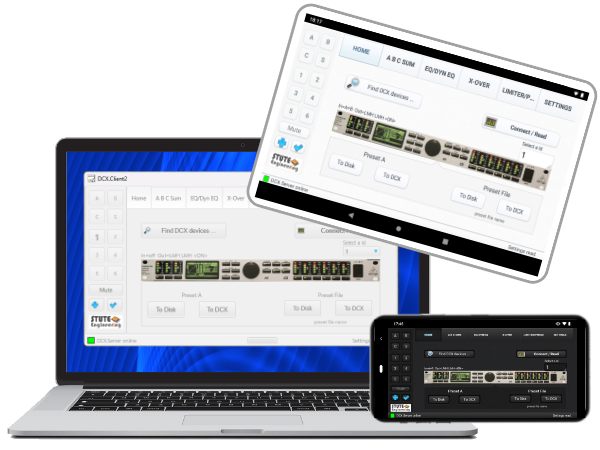
App DCX.Client
The
free full version
controls your DCX2496 from your cell phone, tablet or PC via DCX.Server.
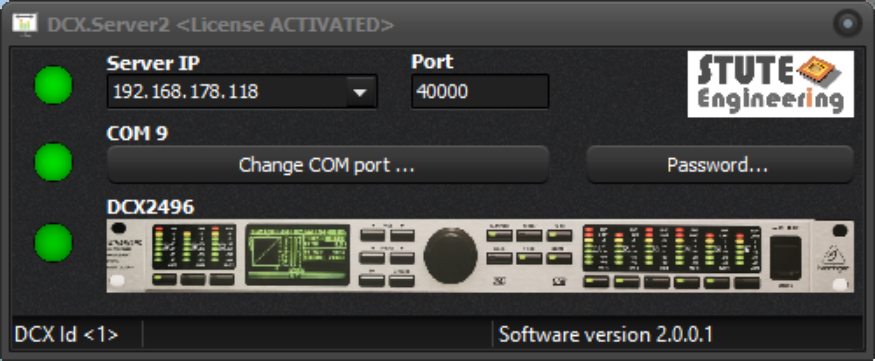
App DCX.Server
The interface between DCX.Client / DCX.Mixer and the Behringer DCX2496.
Overview
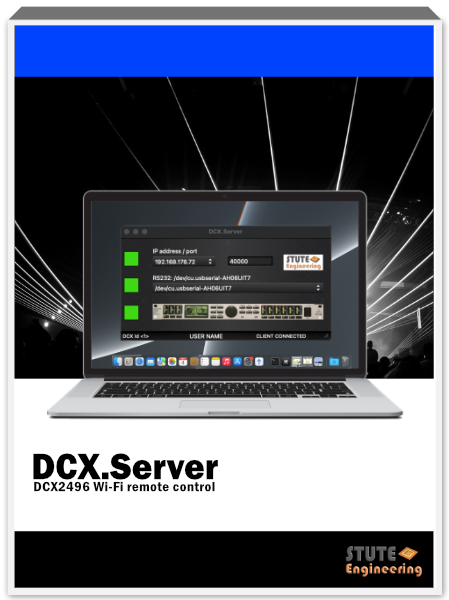
DCX.Server for operating systems:
- MS-Windows 10/11. Also applicable for MS-Win 11 ARM and Linux Mint with WineHQ (COM1)
- macOS 14 or higher
- Free trial on download page.
Note: RS232 port or USB-RS232 interface required.
Note: DCX.Server required.
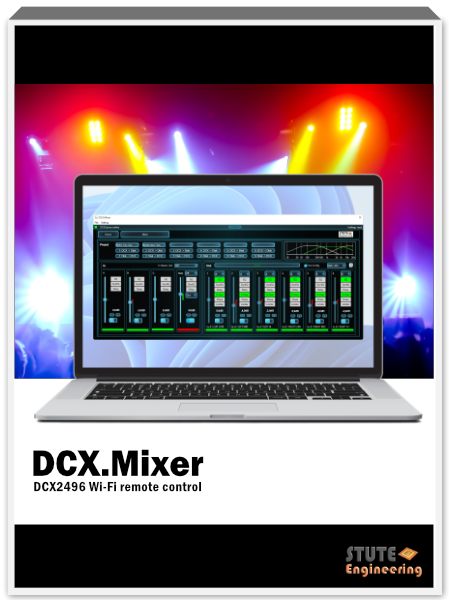
- MS-Windows 10/11. Also for MS-Win 11 ARM *)
- macOS 14 or higher *)
- Android 12 or higher **)
- Free trial on download page.
Note: DCX.Server required.
- MS-Windows 10/11. Also for MS-Win 11 ARM applicable *)
- macOS 14 or higher *)
- Android 12 or higher **)
- iOS 16 or higher **)
- Free unlimited version.
*) Find on our Download page **) see App Store
Videos
Application
Controlling the DCX2496 with a PC (Direct)


Control the DCX2496 via WiFi (Remote)



