

x1Designer
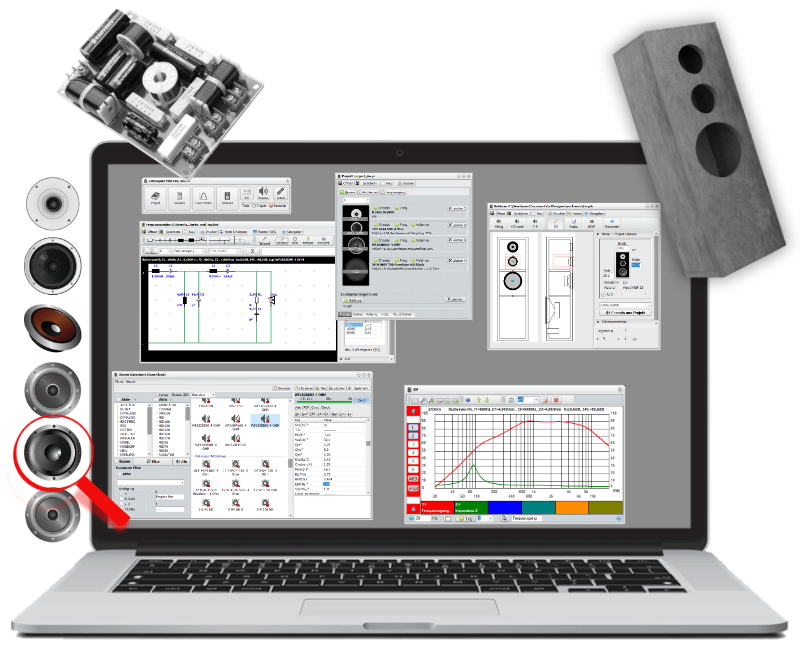


Step 1 Structure
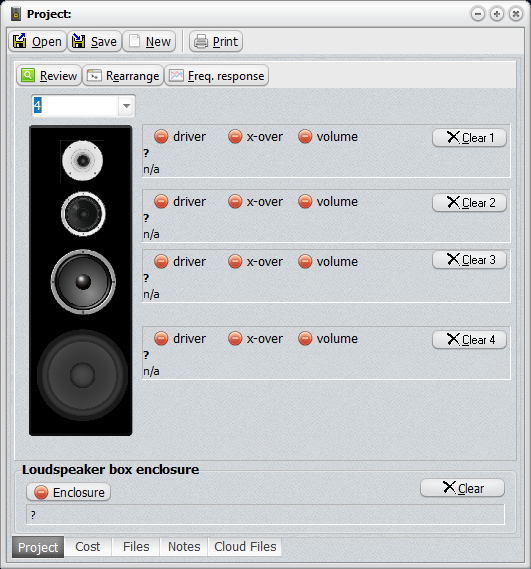
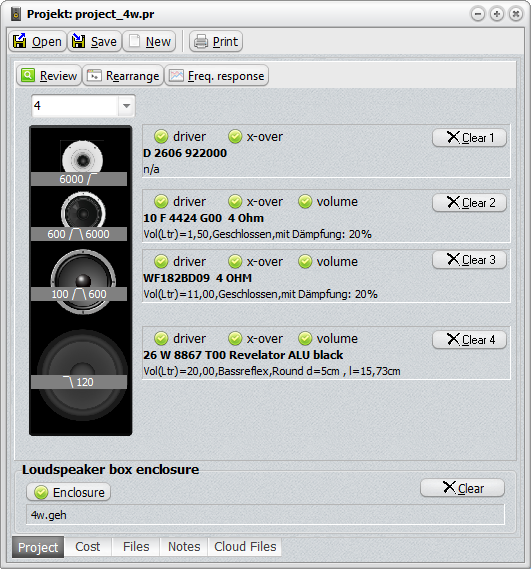
Determine the number of ways your loudspeaker has: for example, a 2-way loudspeaker with a tweeter and a woofer, or a 3-way loudspeaker with a tweeter, a midrange driver and a woofer.
Step 2 Loudspeaker driver
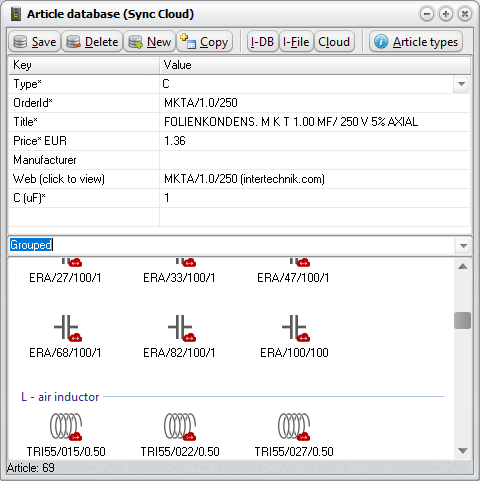
Find the right drivers for your speaker design quickly by searching by type, dimensions or technical parameters (Thiele-Small). There are 200 pre-installed in the database. A further 5,000 are available online!
Step 3 Driver volume
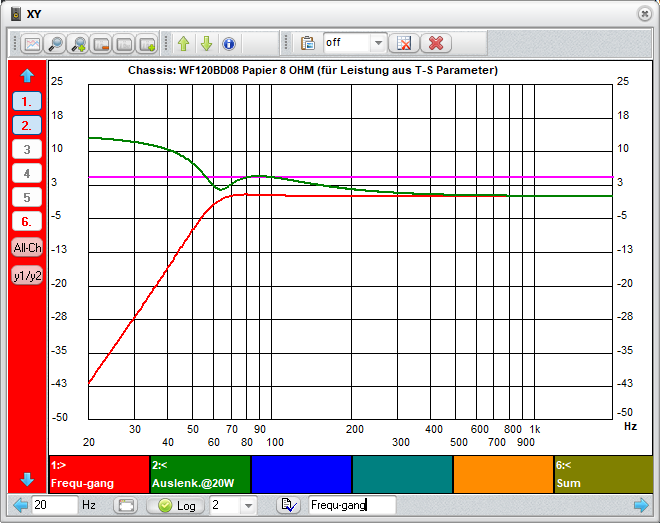
Simply select the enclosure type (sealed, bass reflex, etc.) and click ‘Calculate’. The simulation will then display the expected results. There is no need to go to the trouble of entering the speaker parameters manually. The module retrieves all the data from the database.
Step 4 Filter
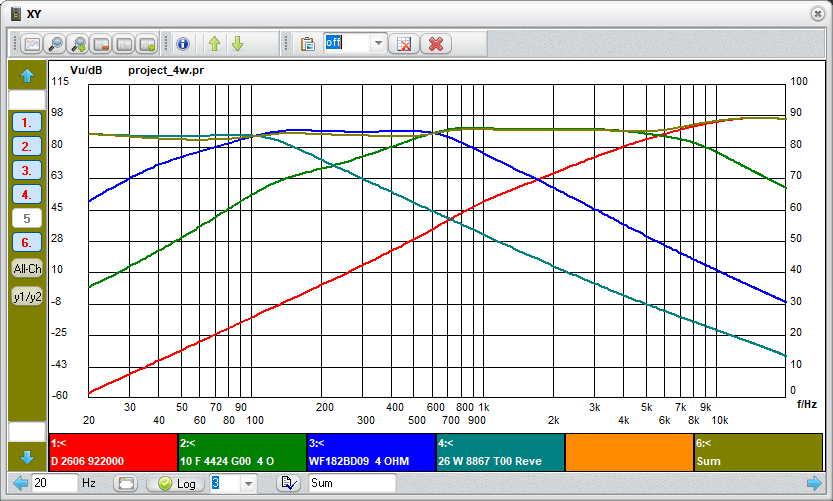
The wizard allows you to create filters, impedance corrections or dB attenuators in no time at all. The function can be quickly tested using simulation.
Step 5 Enclosure
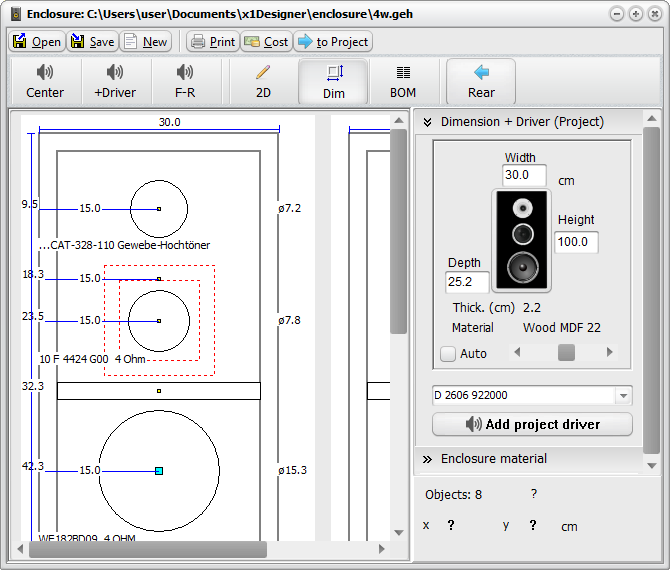
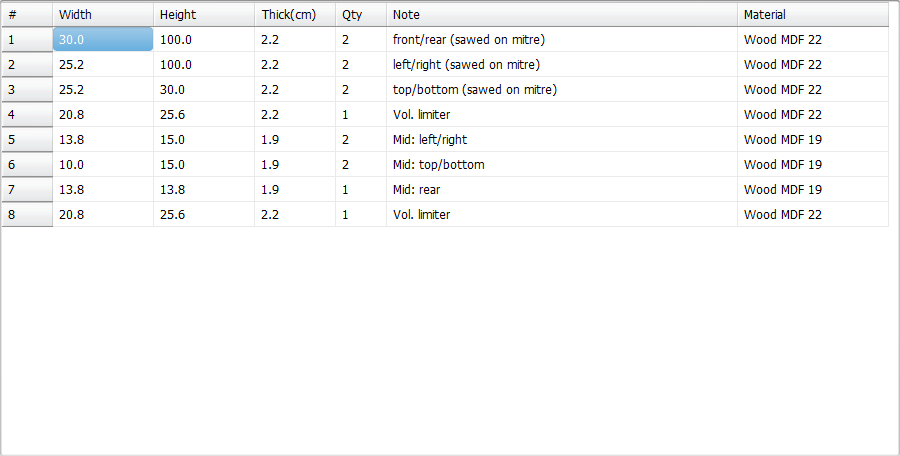
Top: The speaker dimensions and the required volume are automatically transferred into tge designer module. What’s left to do? Decide on the materials and the external dimensions. Position the speakers. Ready! With the parts list, buying the materials from the DIY store is a piece of cake.
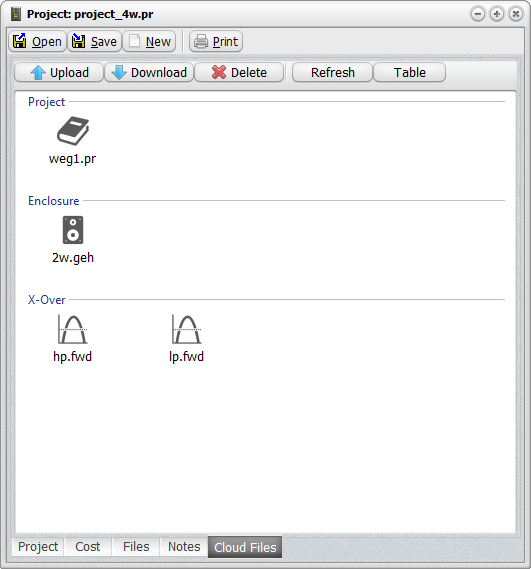
The traffic light system (green/red) in the Project Manager shows the outstanding (red) and completed (green) design steps. Clicking on the red items takes you directly to the relevant modules for editing. That way, you won’t forget a thing!
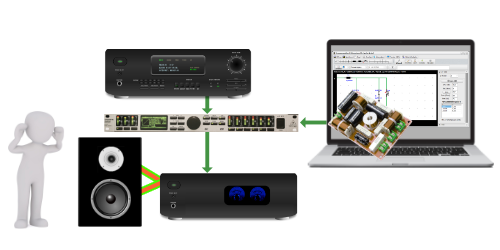
Some crossover components, such as bass coils, are expensive. To avoid making the wrong purchase, automatically import your passive crossover design into the DCX2496 audio DSP in advance and listen to see if everything sounds right. If everything’s OK – great – otherwise, adjust the crossover design and import the changes for a further check. This saves money and time.
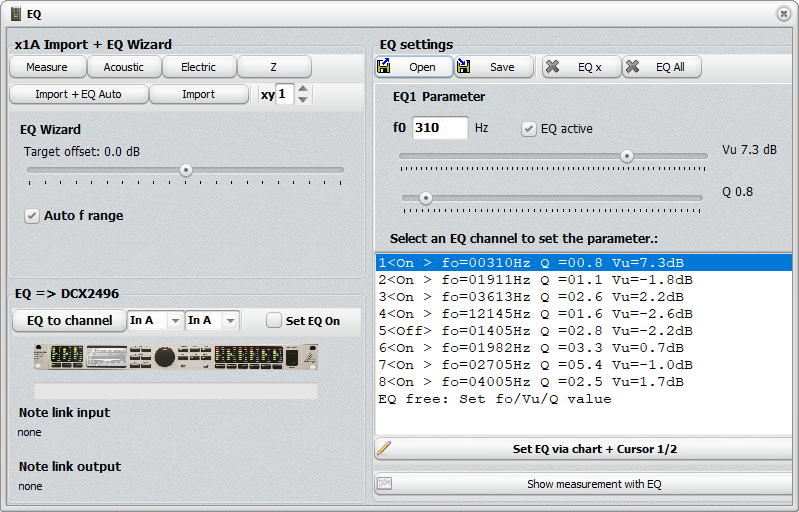
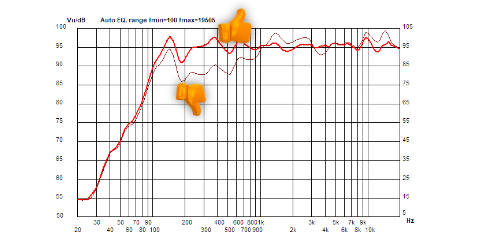
x1Designer automatically calculates the equaliser tuning setup from measurements of the speaker with just a few clicks. To apply the correction, enter the EQ setup shown into your EQ/DSP (miniDSP...) or transfer it automatically to the Behringer DCX2496 audio DSP.
Measurement: Red after tuning
EXPERT version (for beginners):
- Volume calculation
- Crossover design
- Drawing 2D enclosures
- Database: Drivers + Products
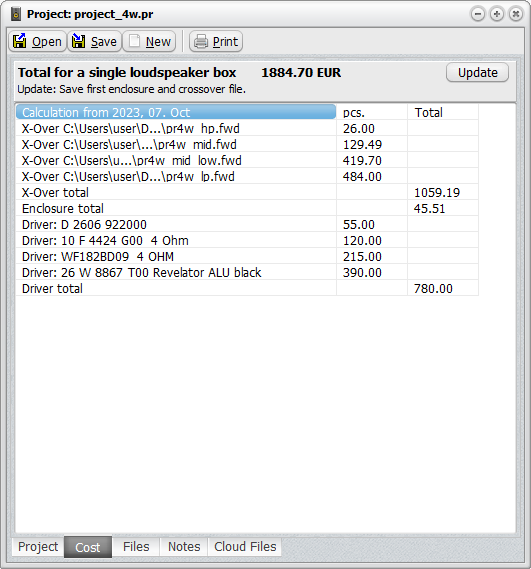
- Project overview including costs
- Cloud databases
- Bill of materials
- Simulation
PRO version (for advanced users):
- All features of the EXPERT version
- Filter PreCheck – Perform an acoustic check on the crossover in advance
- EQ Sound Tuning
- Share designs via the cloud